PWV Design
PO Box 3275
South Amboy, NJ 08879
ph: 908-285-5426
info

Special Projects
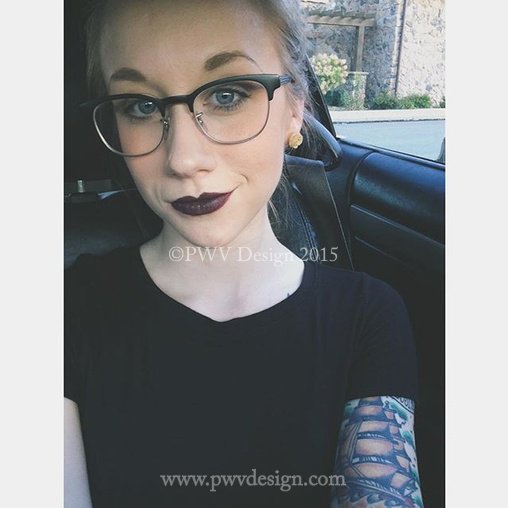
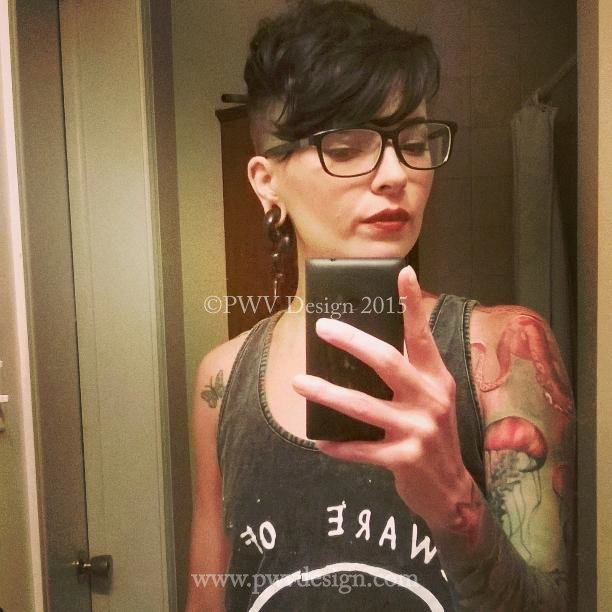
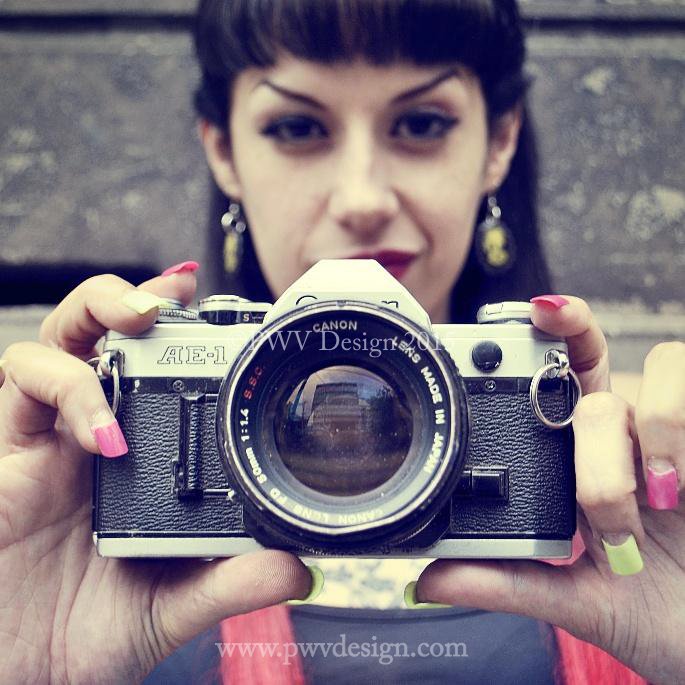
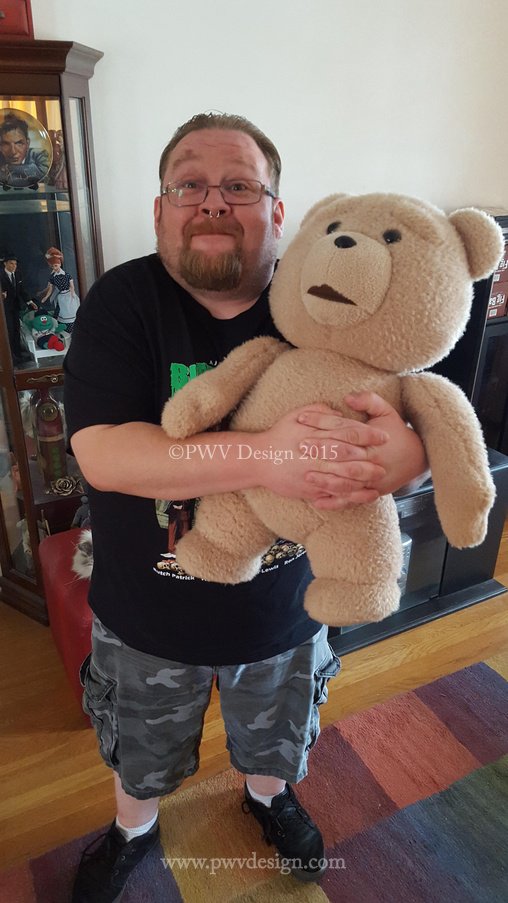
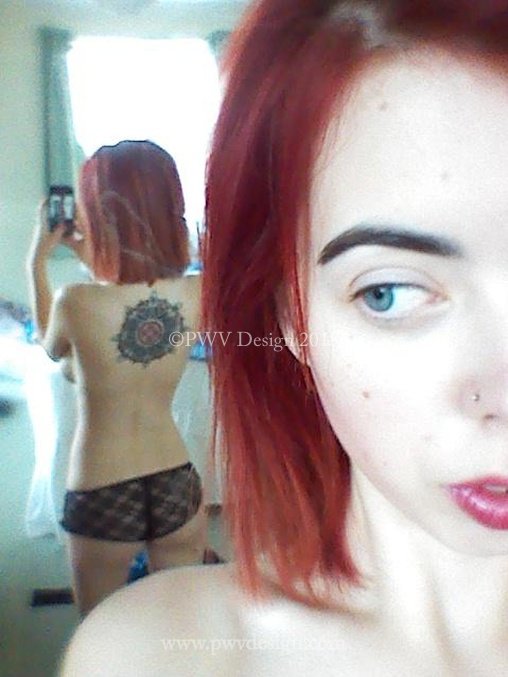
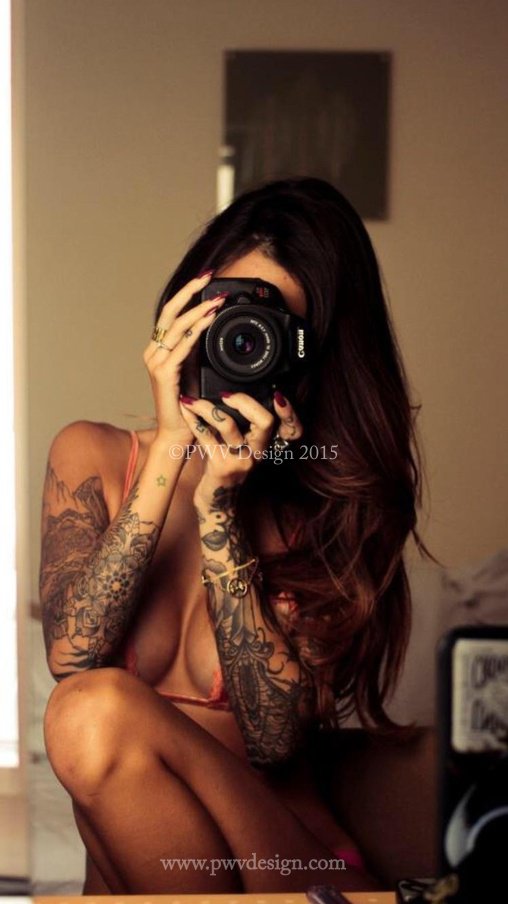
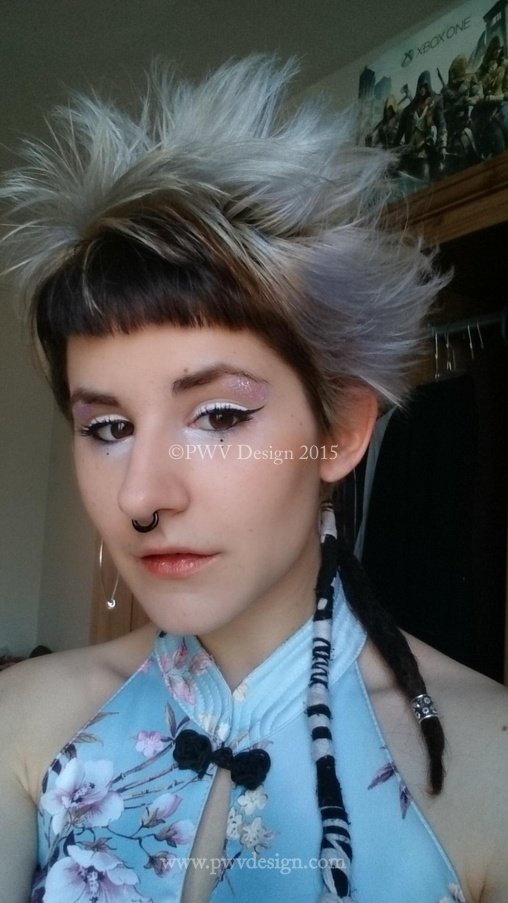
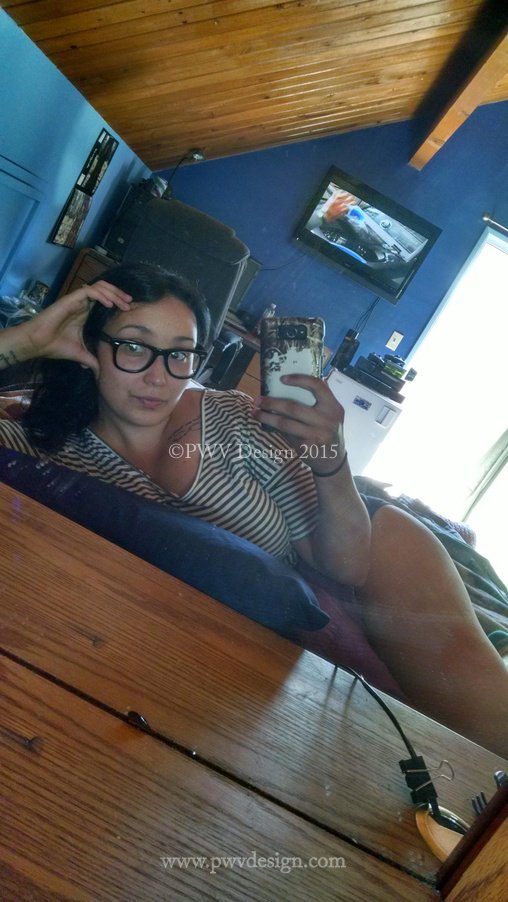
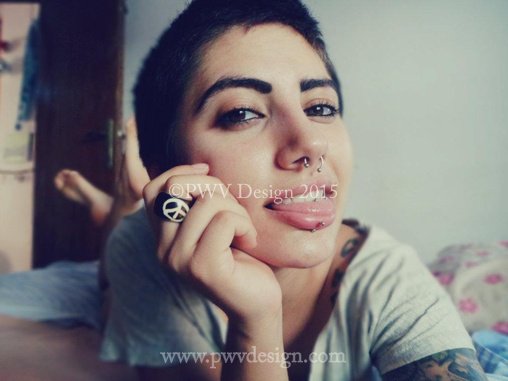
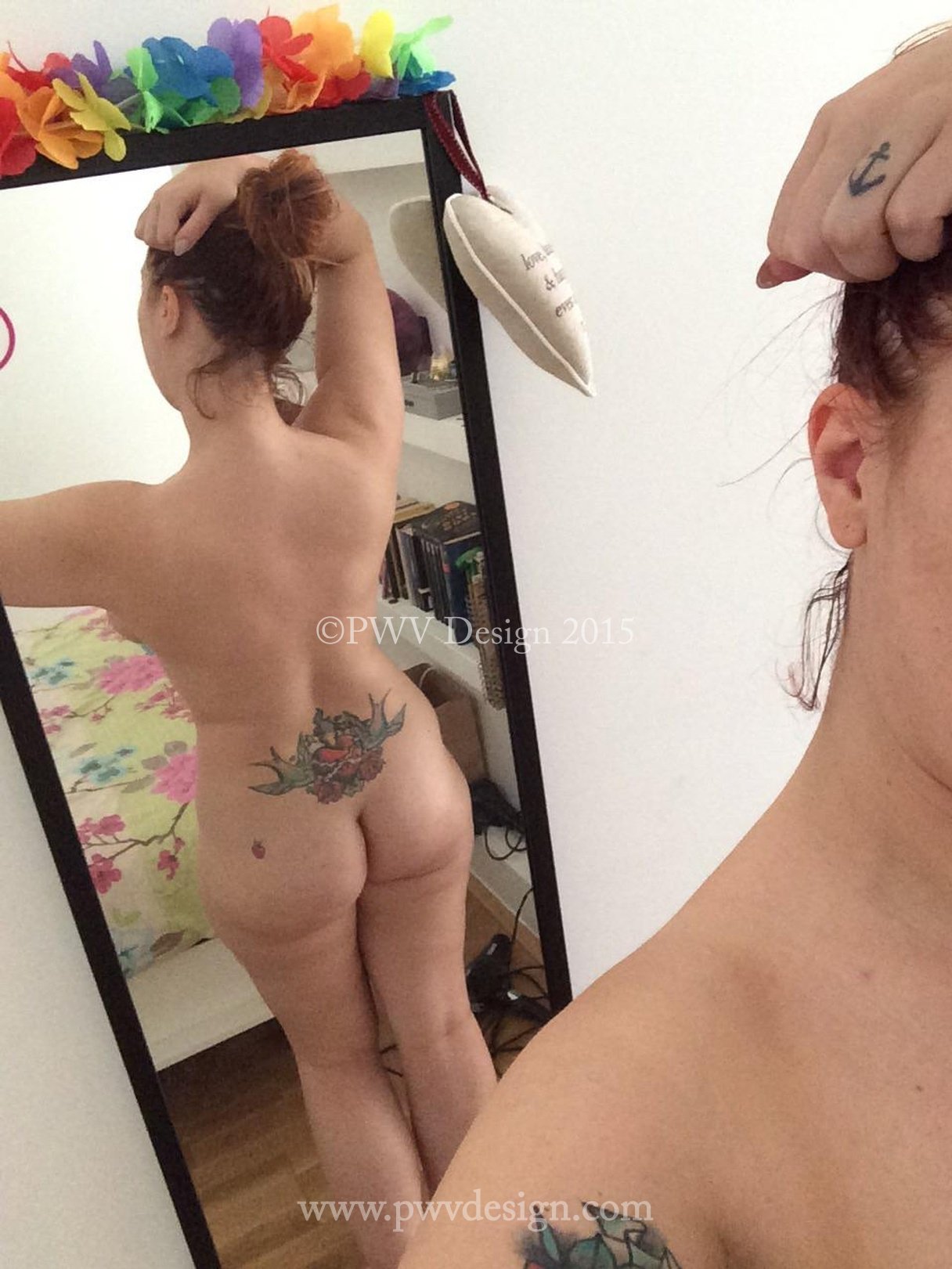
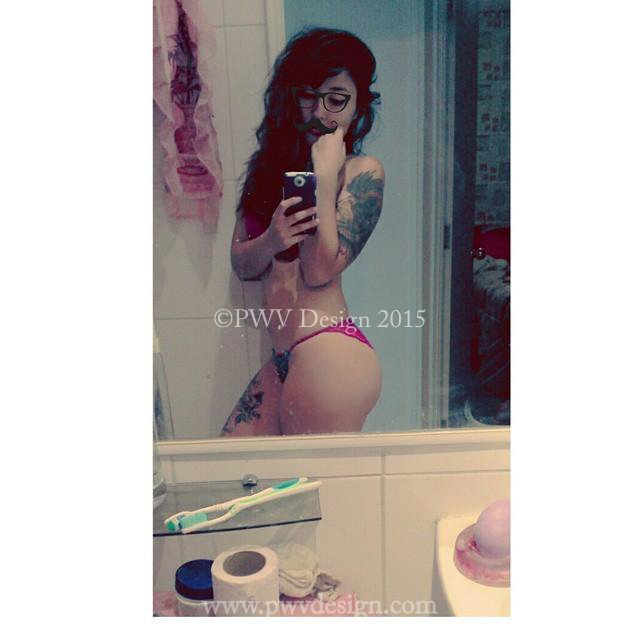
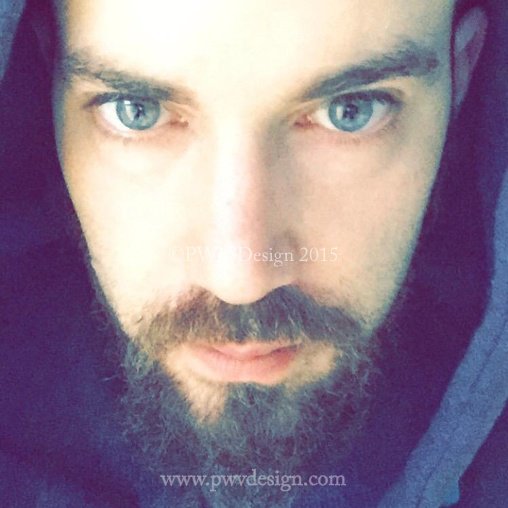
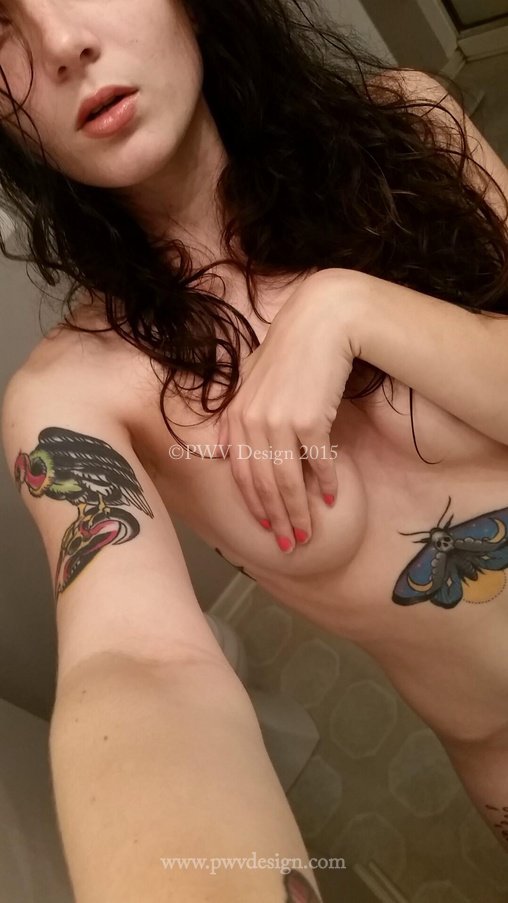
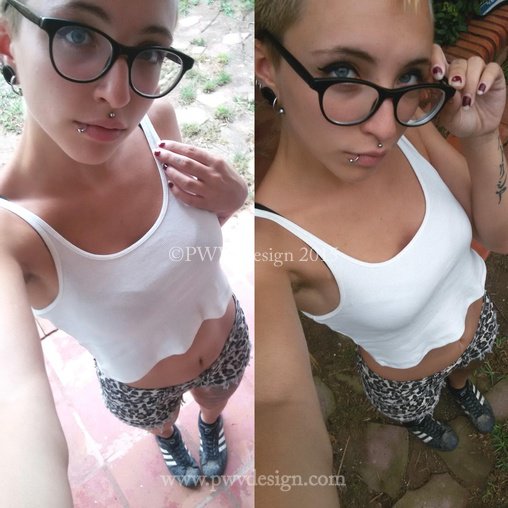
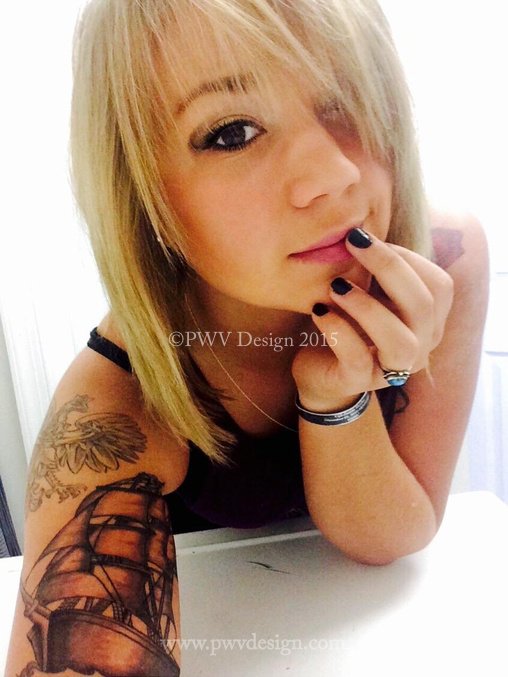
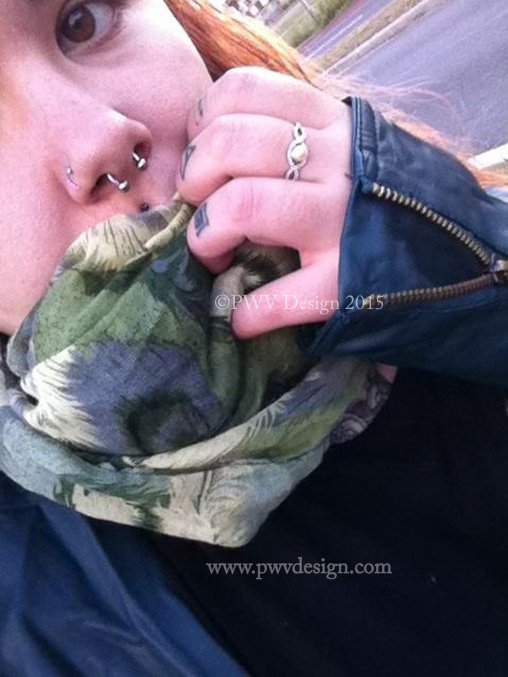
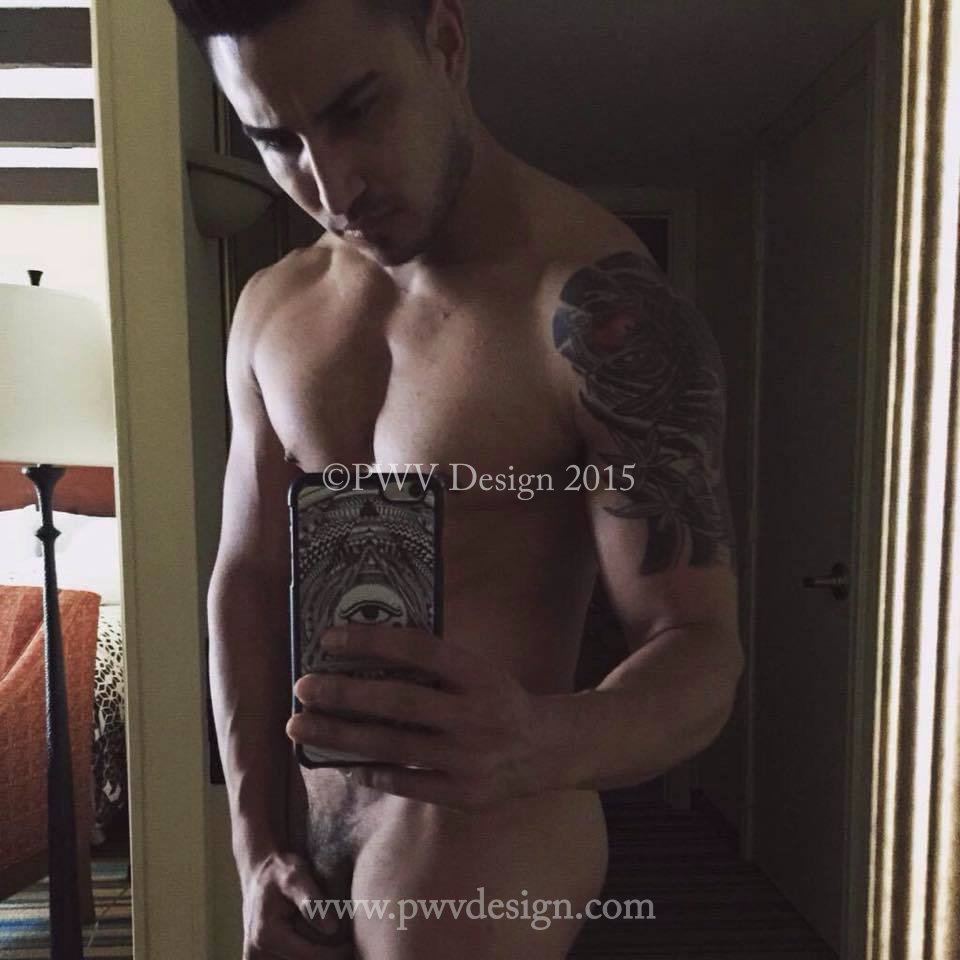
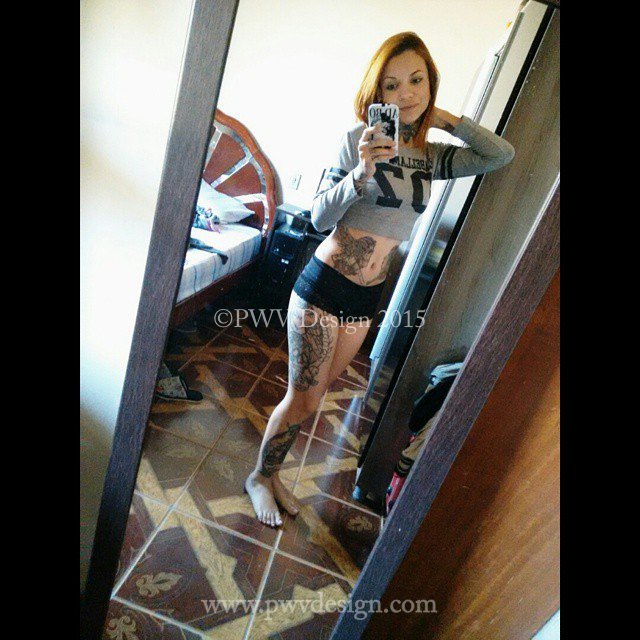
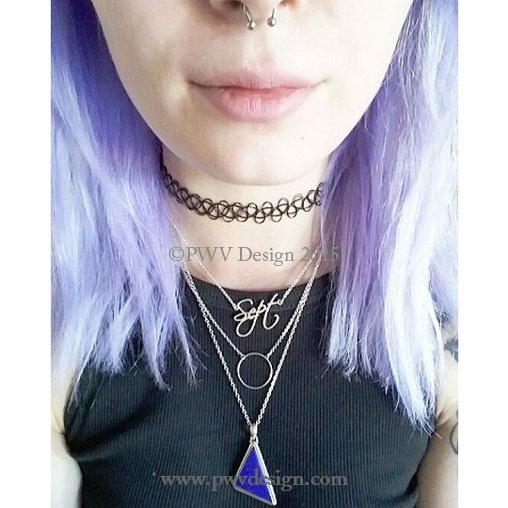
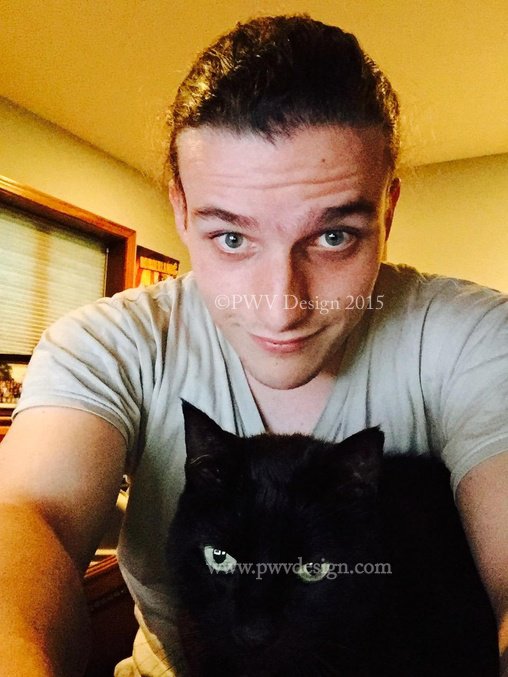
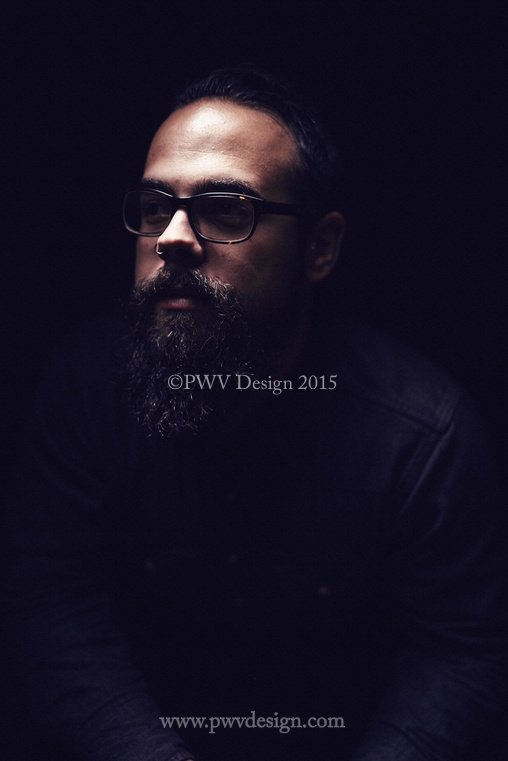
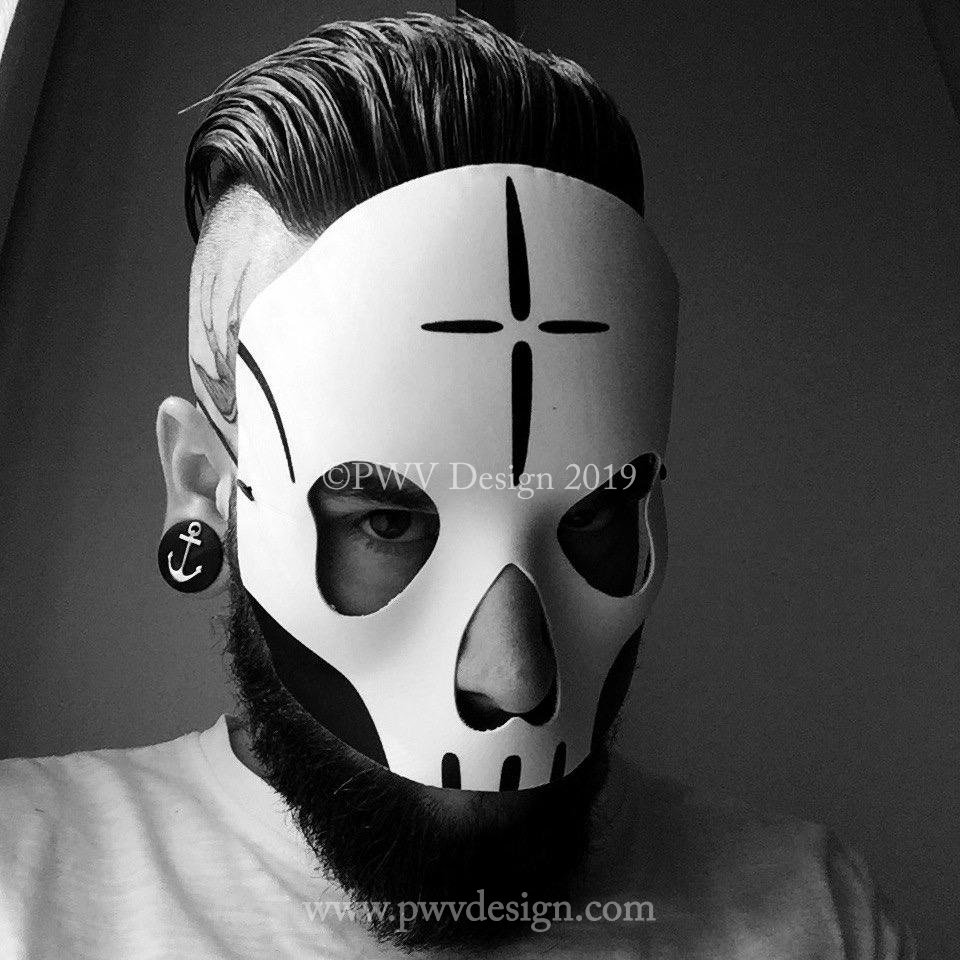
Send in Selfie: Self portraits submitted to me by email for the Self Portrait Project. Emails
were sent to participants and they were invited to send in a photographic self portrait with the knowledge that they would be published annon. on this site. Participants were encouraged to invite people who they thought might want to send in self portraits. No restrictions were placed on submissions and advice would be offered on self portraiture if needed. this is an ongoing series and photos below represent a edited sample as of January 10,2023 More Selfies on subpage #2
PLEASE NOTE:
Type of Selfie
The type and pose is left up to you but we be prefer Selfies that are fully clothed, however,tasteful,artistic nudes will be considered.
As anyone can visit this site, we don't want minors below the legal age to view nudity nor anything which might be deemed as pornographic or disrespectful. We would never upload anything which might be seen as pornographic. Other than that, please feel free to be as creative as possible.
SHOOTING YOUR OWN SELFIE:
For those of you not familiar with the technical aspects of photography, there are going to be things you need to learn and practice in order to produce a quality photo. If you don't have much experience I would recommend spending a few weeks getting to know your camera or phone.Self-shooting isn't an easy task. It is time consuming and can be very frustrating if you don't know what you're doing. I would recommend doing numerous practice sets before you attempt to shoot a real send in selfie. The key to producing a great self-shot photo is to really know your angles. Through trial and error you will be able to see what works and what doesn't work.
Lighting
Most people may not have access to studio lights and if this is the case, natural light is your friend. The best times to shoot a set in natural light are early in the morning or late afternoon. Avoid mid afternoon sun as it is way too bright and will most likely lead to overexposed images and create very harsh shadows. Shooting in natural light doesn't necessarily mean you need to be outdoors. Shooting in a room with windows should allow you enough light to create properly exposed images.
Another alternative if you do not have access to lighting equipment and are using an SLR camera is to get an external flash to mount on top of your camera. While this is not a perfect solution it can fill your images with light and thus make them brighter.
Exposure
Simply put, exposure refers to how much light enters your camera while taking a photograph. In a correctly exposed image- the subject (you) should neither be too bright (overexposed) or too dark (underexposed).
A slightly underexposed image can be corrected in photoshop by adjusting the curves. However, most of the time an overexposed image can not be corrected in photoshop.
If you are using a point and shoot-DO NOT USE FLASH!
White Balance
White balance refers to the color cast in the image. Almost all digital cameras have settings that allow you to set the white balance according to your location and the lighting conditions.
Some of the more common white balance settings are:
Auto- Auto white balance is mainly made for photographs taken indoors and in cloudy conditions. Usually photographs taken on auto will have a blue cast to them and this may not be a good thing.
Cloudy- Cloudy white balance will generally be more warm and gold. I usually use this setting when shooting with a point and shoot indoors.
Tungsten-Tungsten will be very very blue! Unless you want to be smurf in your set avoid this setting.
White balance is also easily corrected in photoshop so if you can't get it perfect, leave it to the photoshop elves to take care of.
My advice would be to take a few photographs and them upload them to your computer. Oftentimes, images are too small on your LCD screen to really gage what is going on. If there are technical errors with your images, make adjustments and try again. Do this until everything is as perfect as you can get it. Although this may seem annoying and time consuming it is better to get things right before you take hundreds of photos. They may in the end up all be unusable if there is a technical problem with them that wasn't corrected.
Tripods, LCD screens, and Remotes
A tripod is a must. You can pick up a cheap one a K-Mart for around $15 or you can find them any at electronics store. On some point and shoot cameras (particularly the Canon A series) they come with a swivel LCD screen. this allows you to see exactly what you're doing and eliminates the guess work. Another option is to get a remote that will allow you to take the photograph without having to run back and forth before the timer goes off. you can buy a wireless remote for most SLR camera for under $50.































PO Box 3275
South Amboy, NJ 08879
ph: 908-285-5426
info